Desktop
Bring your personal music library to the desktop with elegant playback, AirPlay, a built-in web player, ringtone tools, fast Wi-Fi transfers, and room to manage every track.
Your music library, beautifully offline
Turn your personal music collection into a modern listening experience. OwnTunes keeps your songs offline, searchable by voice, ready for custom ringtones, and beautifully organized, then makes them easy to enjoy in the car with Android Auto, around the house with AirPlay, Cast, or the web player, and with friends through Listen Together or network stream playlists.
Download OwnTunes


Feature Highlights
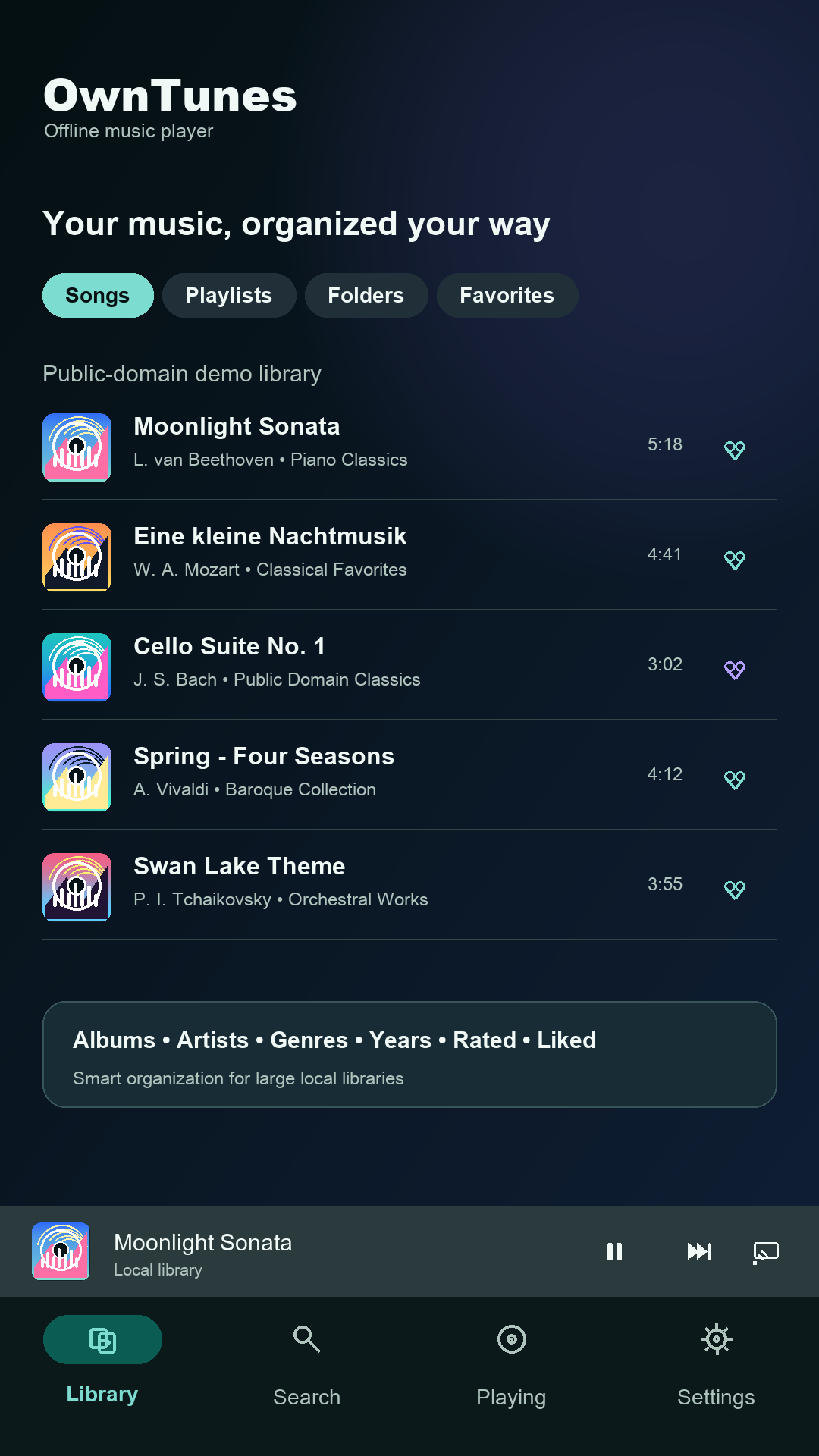
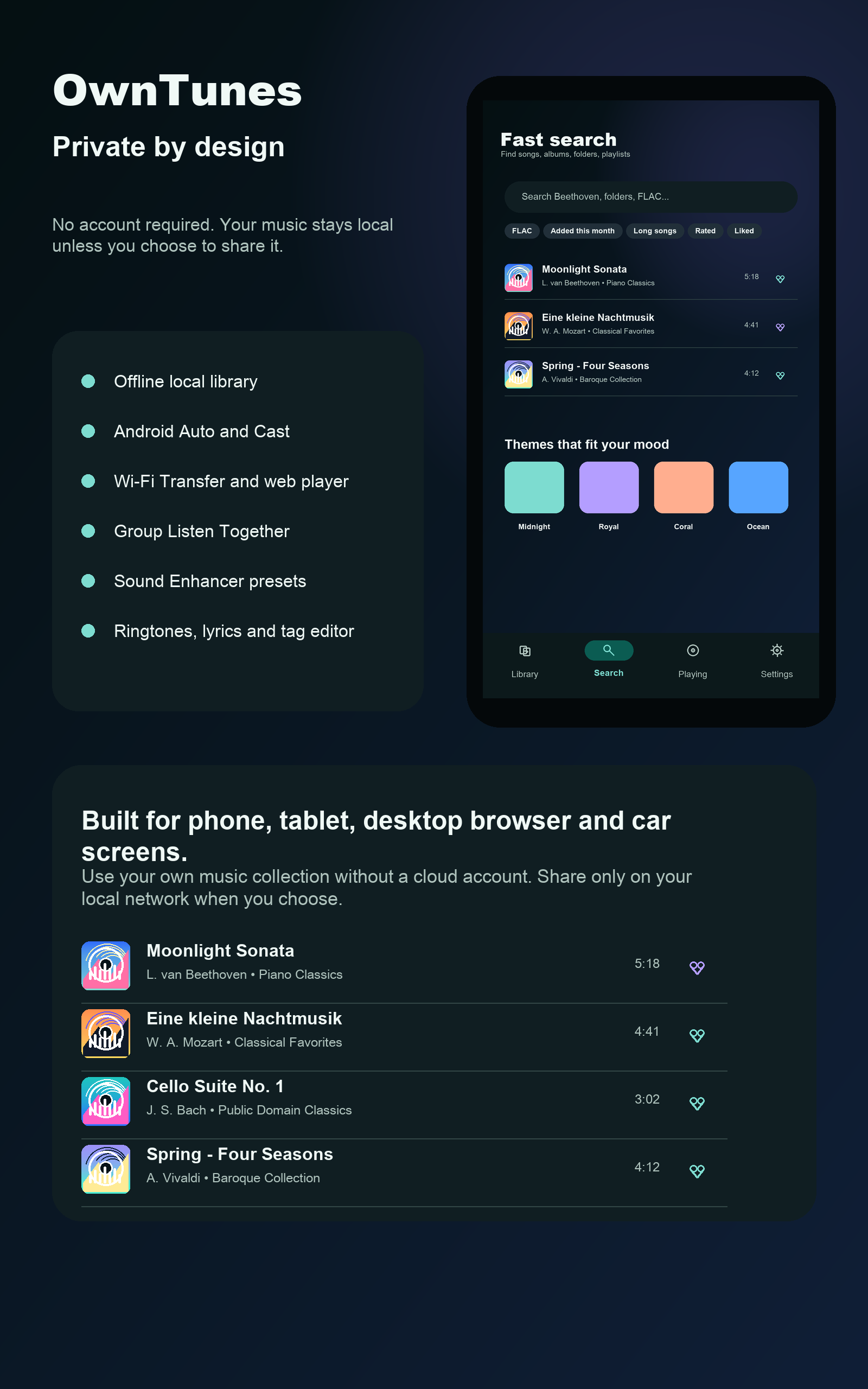
OwnTunes is built for real personal collections: songs, albums, artists, folders, genres, years, playlists, favorites, ratings, recently added, recently played, and most played are all easy to reach.
Folder-first browsing, smart playlists, fast offline search, and voice search help large libraries stay effortless.
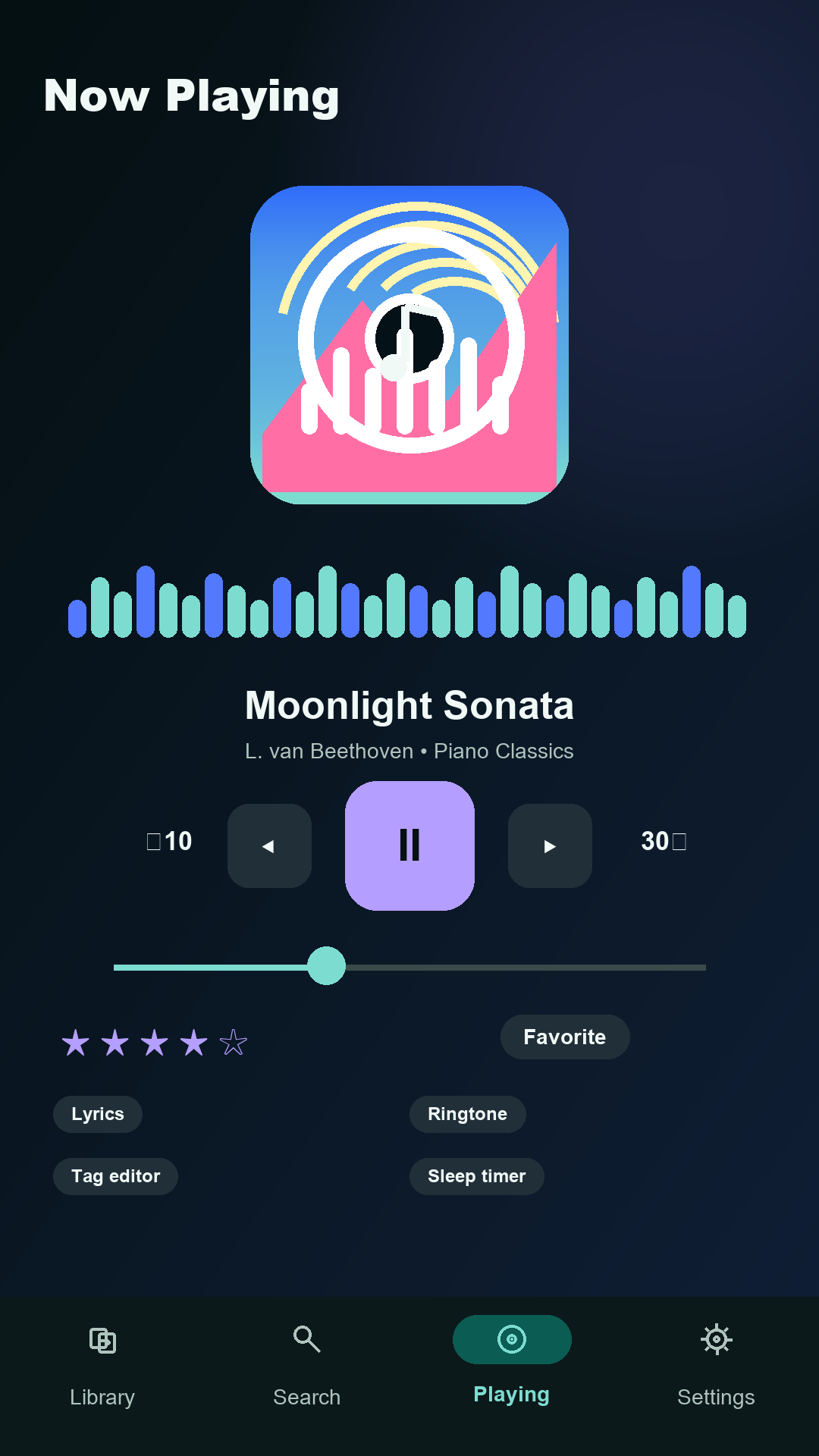
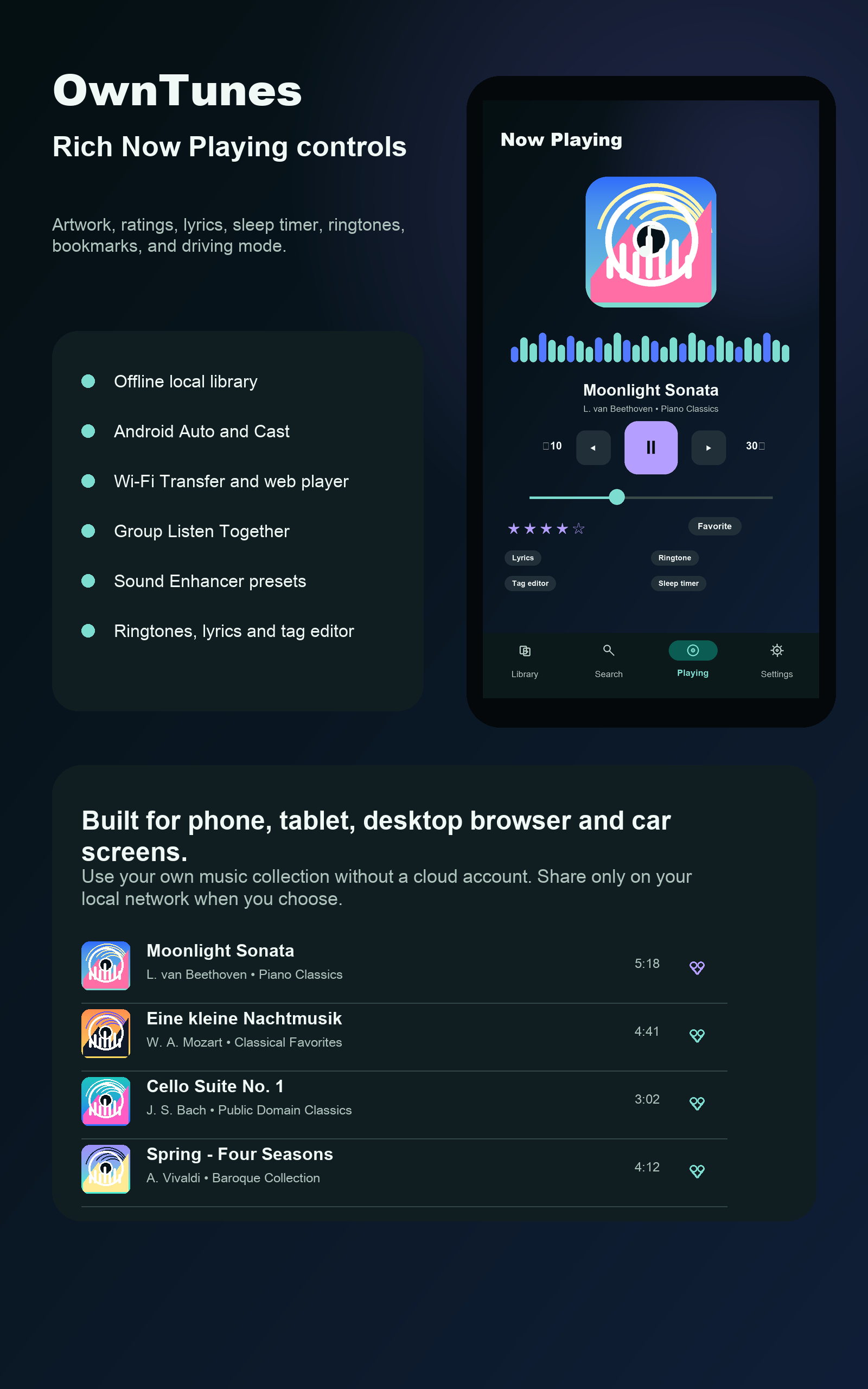
Start a queue, shuffle an album, repeat a favorite, adjust playback speed, set a sleep timer, or stop after the current song. OwnTunes keeps your session ready when you come back.
Full-screen lyrics, synced lyric files, queue editing, and playback recovery keep the experience polished.
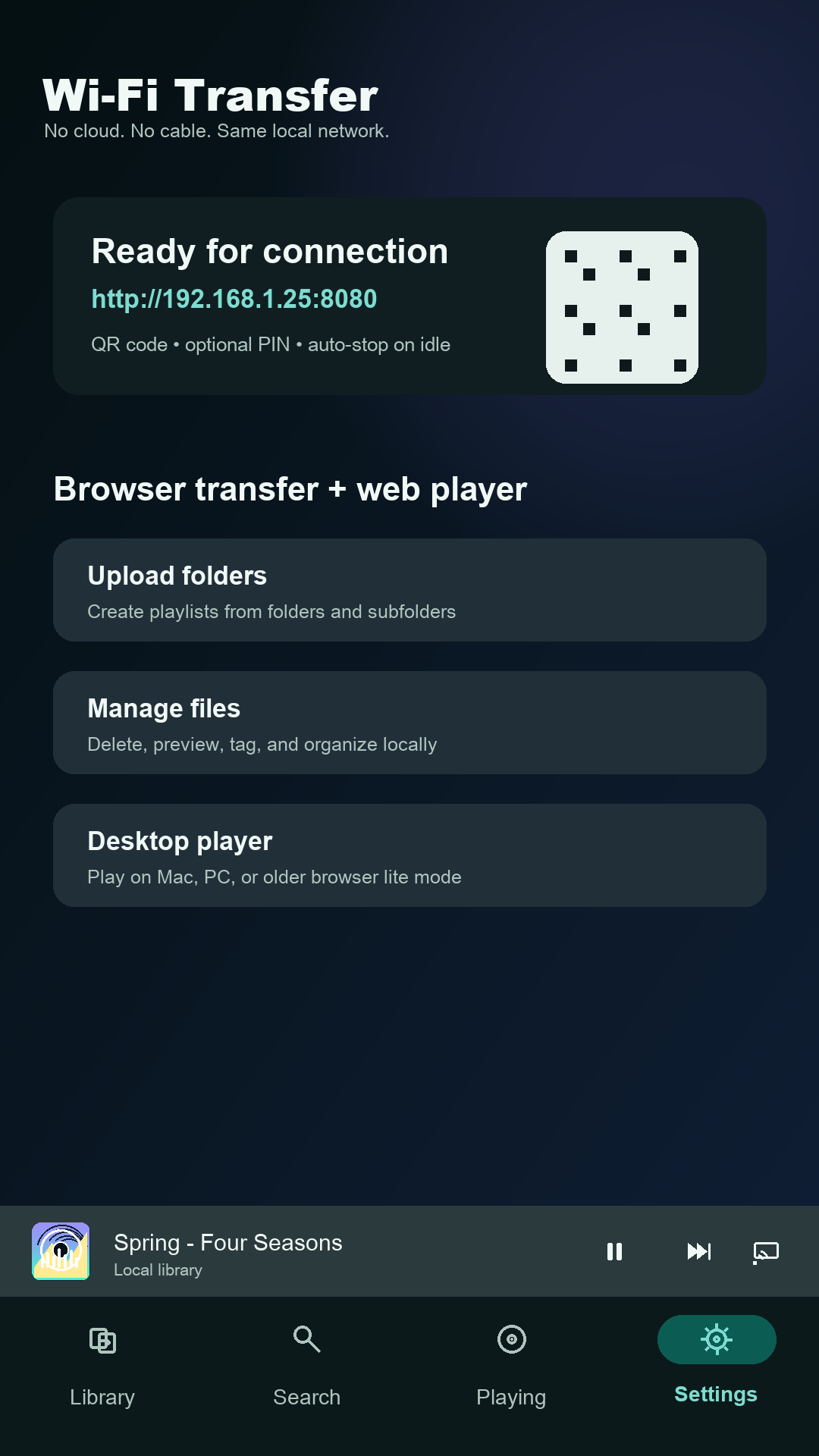
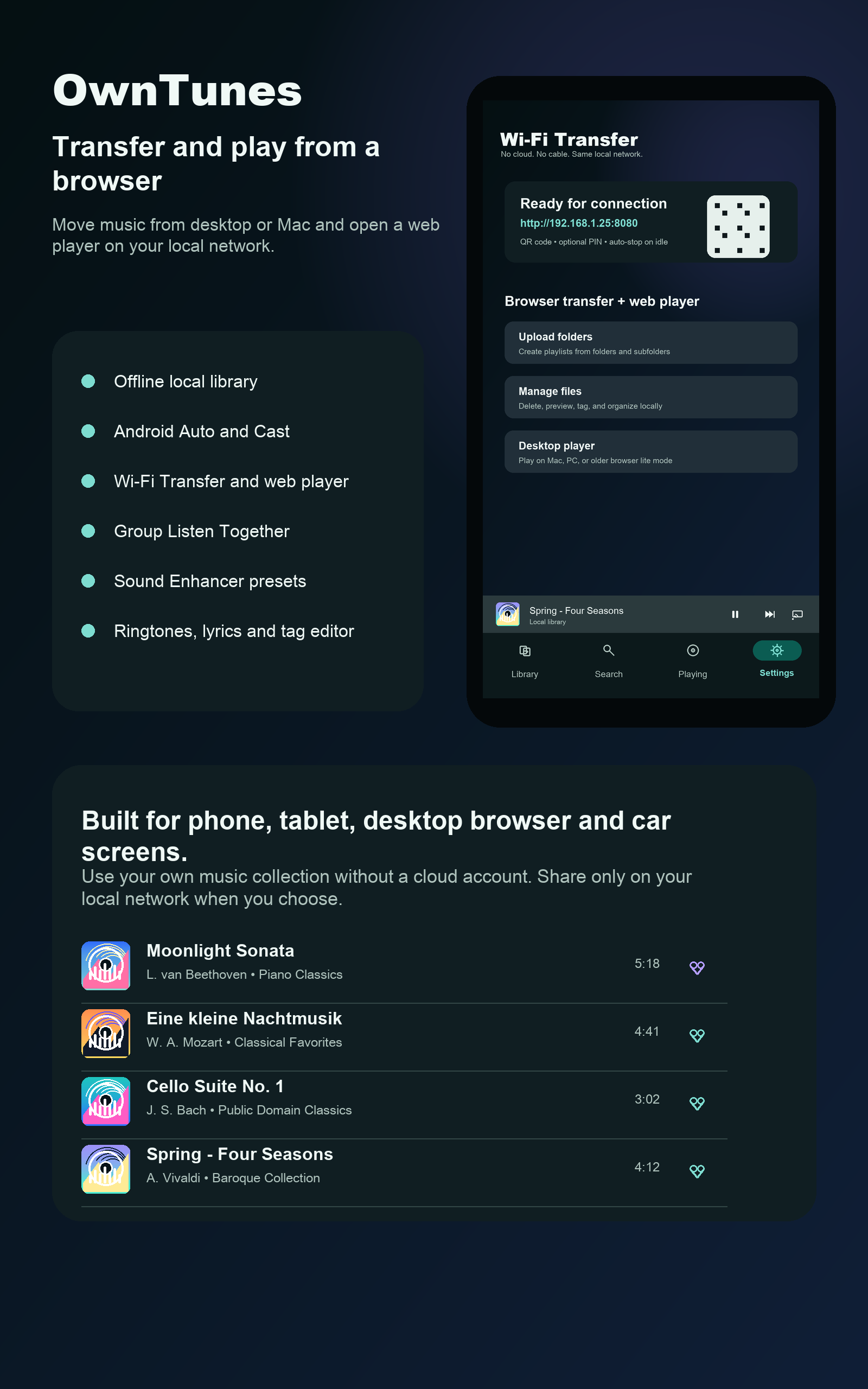
Wi-Fi Transfer turns your phone into a local music hub. Open the browser link, scan the QR code, move files from desktop or Mac, and use the web player when you want to listen from a browser.
Upload, download, rename, organize folders, preview tracks, review storage, and protect sessions with an optional PIN.
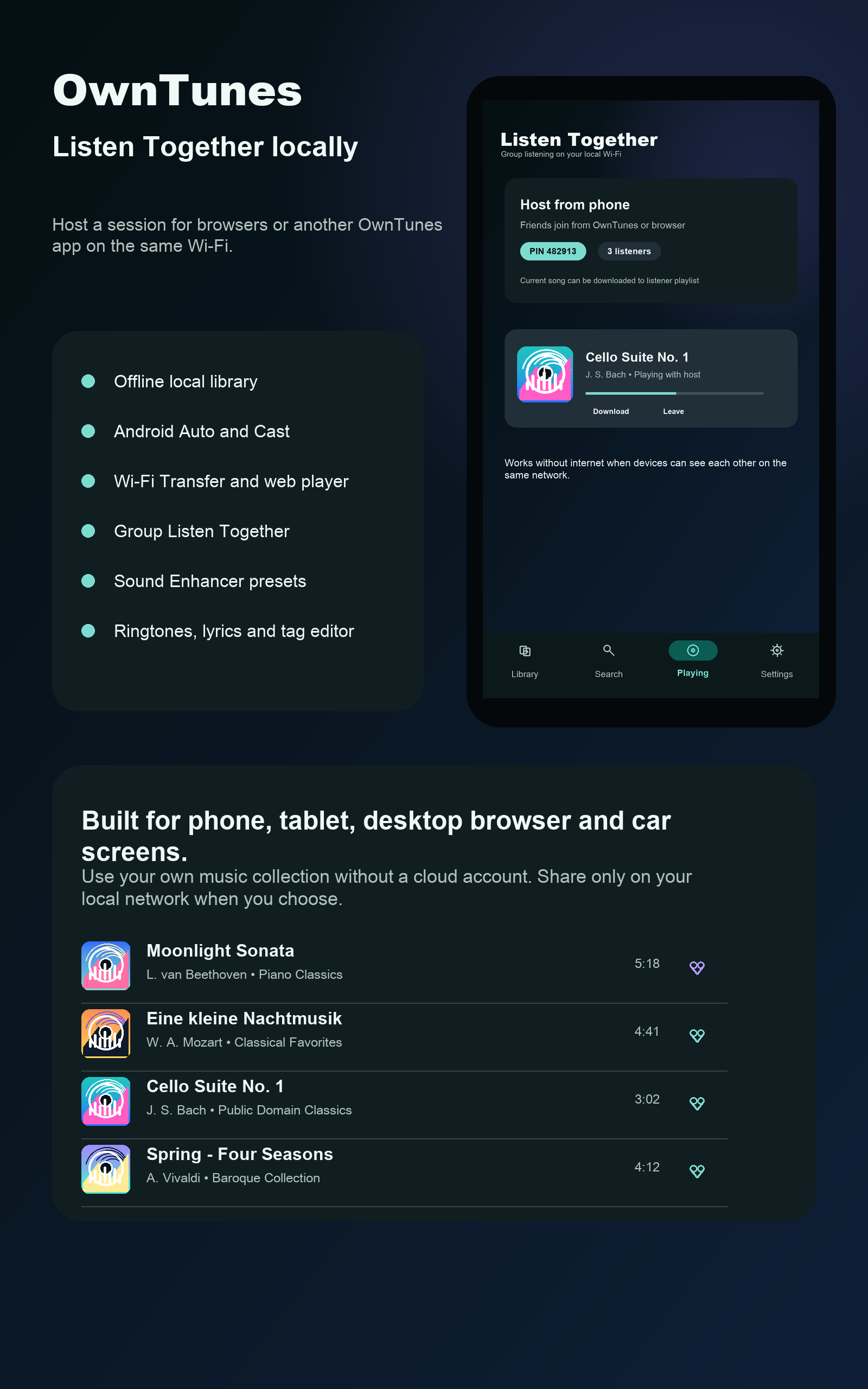
Use Android Auto on the road, AirPlay from iOS and Mac, Cast to supported speakers and screens, start Listen Together, or share a network stream playlist with compatible players on the same Wi-Fi.
Driving Mode, Bluetooth controls, headset controls, AirPlay, Cast, shared listening, and network streams are designed for the moments music leaves your hand.
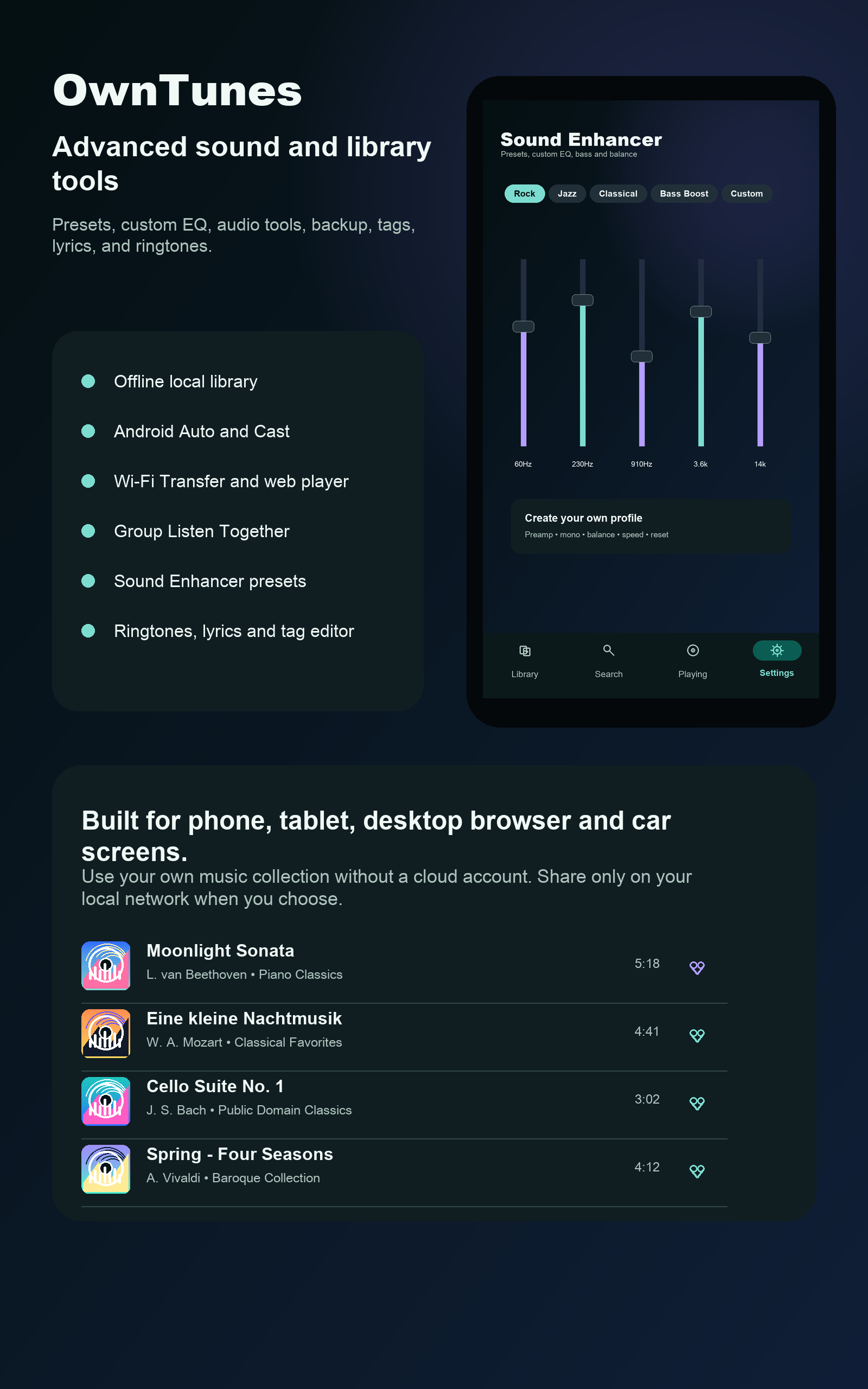
Shape playback with presets, equalizer, preamp, bass boost, virtualizer, balance, mono, and speed controls. Turn favorite moments into ringtones, then clean up the collection with tools for duplicates, missing artwork, and metadata gaps.
Sound Enhancer, ringtone generator, backup, and restore give your library a complete listening toolkit.
Switch between polished visual themes, use light or dark mode, and keep the interface comfortable whether you are browsing at night, driving, or managing a big library.
Multiple themes, readable surfaces, and familiar controls make OwnTunes feel personal from the first launch.
OwnTunes is for people who want the convenience of a modern player without handing their collection to a streaming account. Your music stays local unless you choose to share it nearby.
No account requirement, local network sharing, network stream control, and careful diagnostics redaction keep the product centered on privacy.
Tutorials
Follow the core flows for organizing, voice search, transferring, web playback, ringtone creation, tuning, theming, and sharing your music.
01 / Android and iOS
02 / Android, iOS, and Mac
03 / Android to Mac/browser
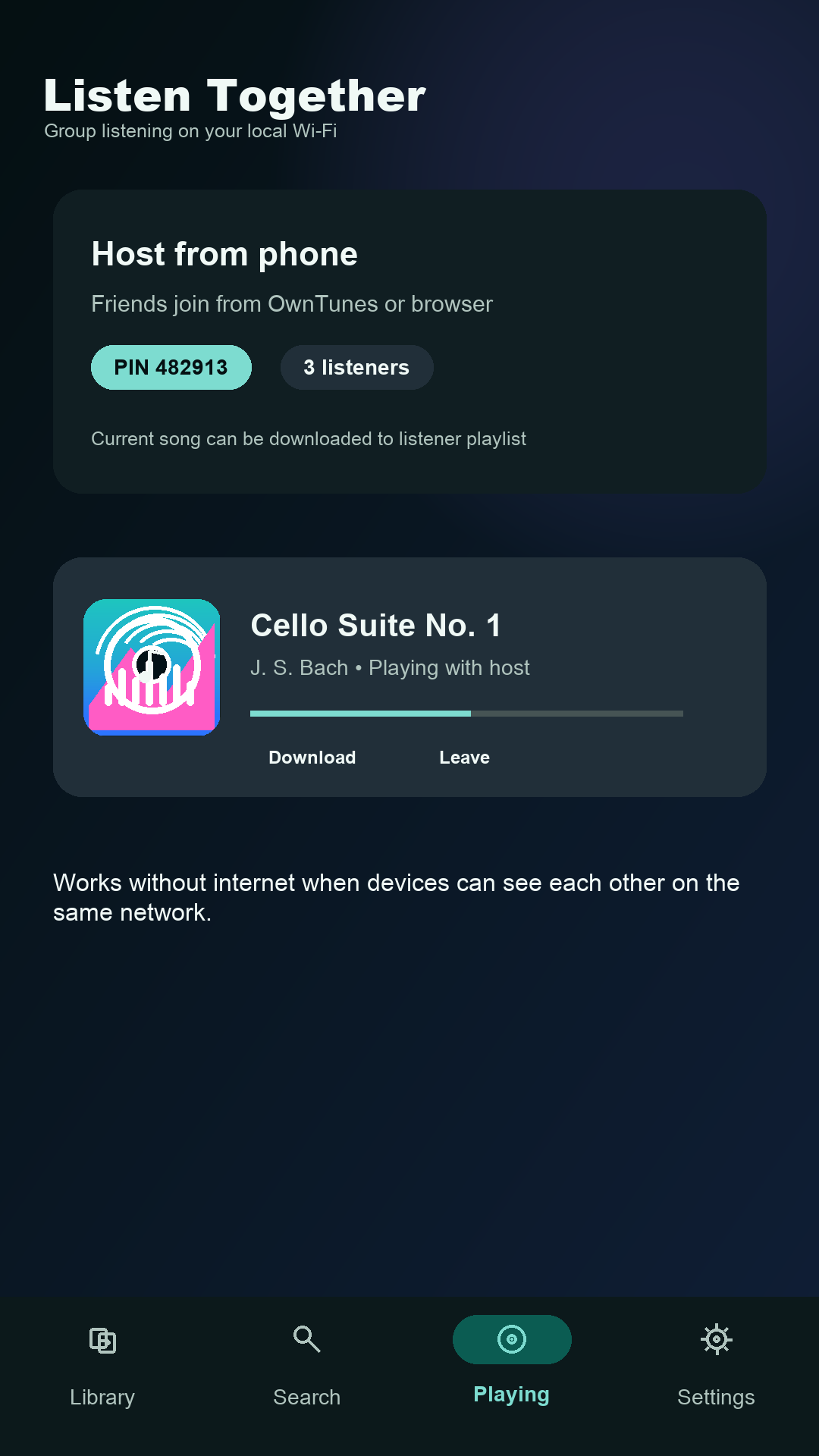
04 / Phones and browsers
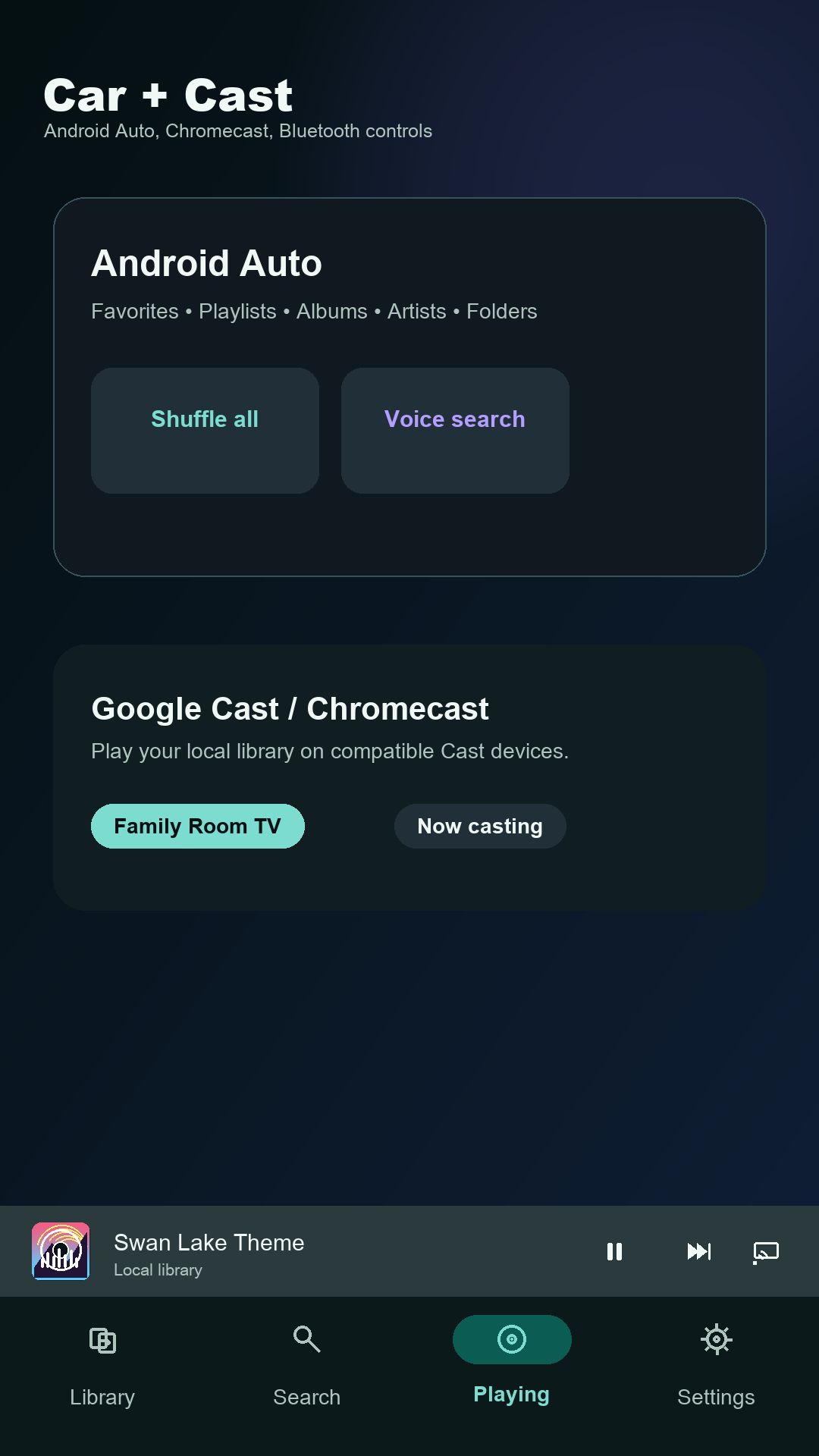
05 / Android
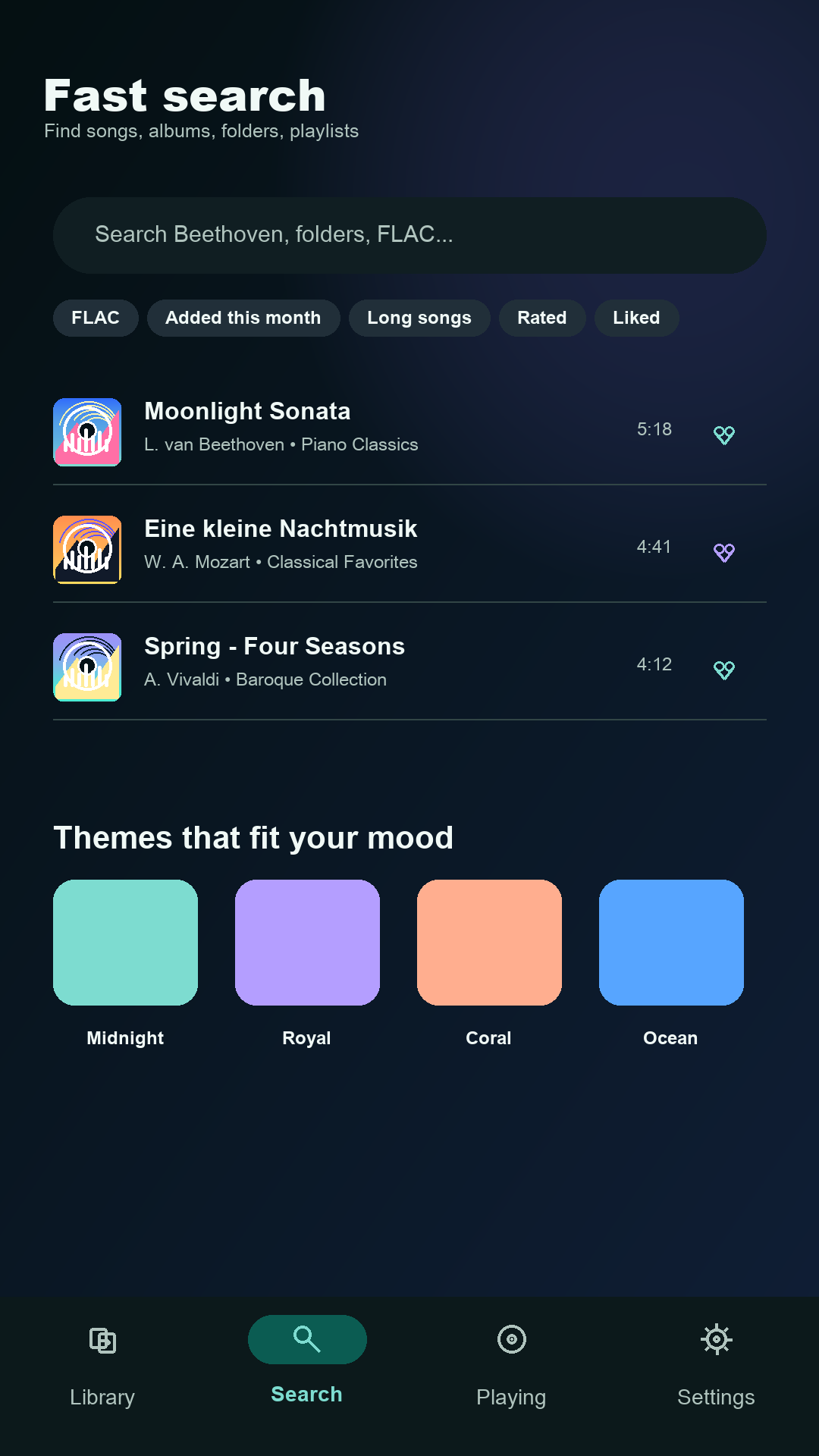
06 / All devices
Screenshots
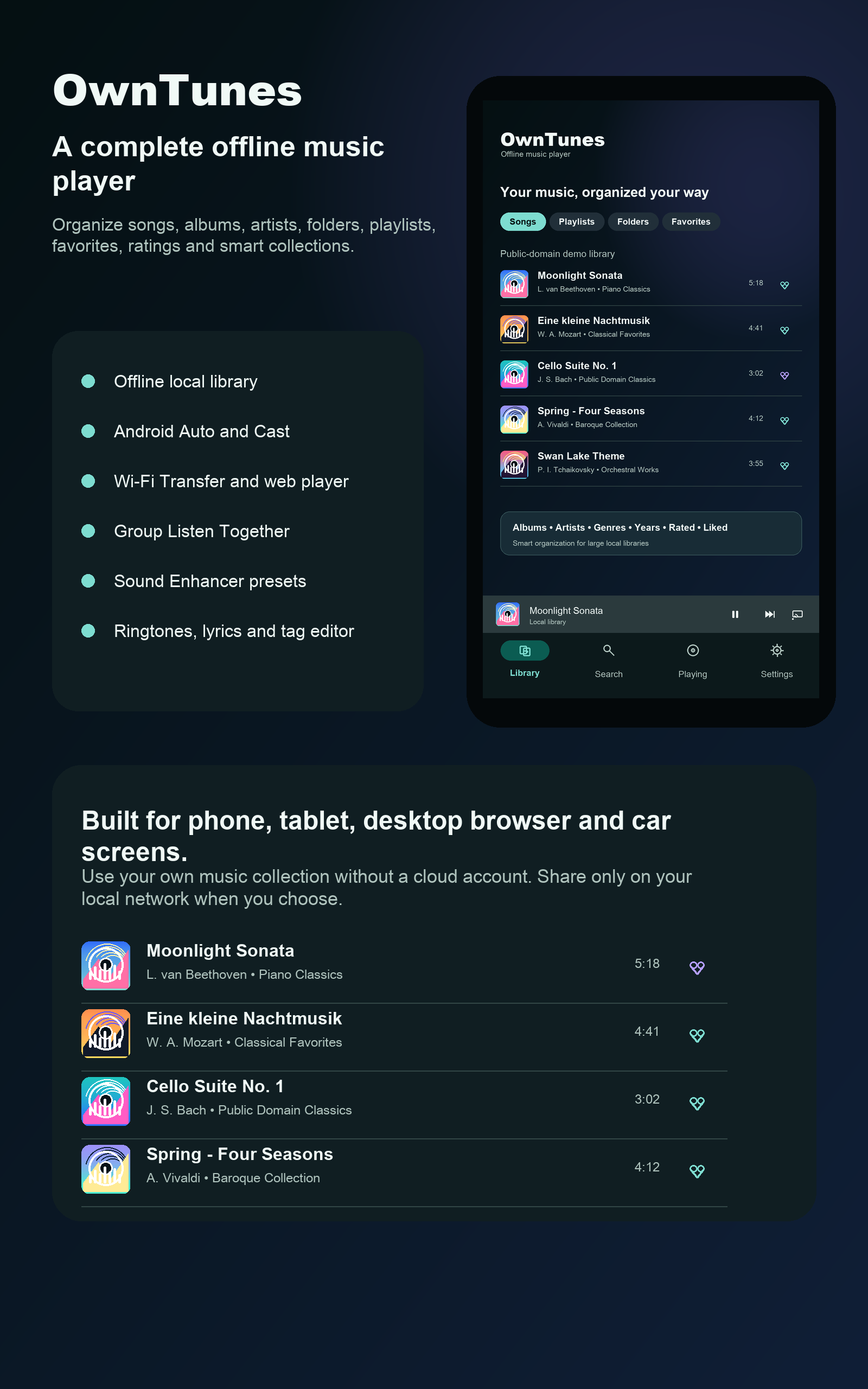
Support
Questions, feedback, listing details, and product support can be sent directly to the OwnTunes team. Use this page as the official support and marketing destination for OwnTunes.
dhanahathi@gmail.com